Dotfiles Installation
After installing Arch Linux, follow the instructions below.
1. Run this magic one-liner
bash
sh <(curl -fsSL https://hyprflux.dev/install)This starts the installation. First, it asks for your sudo password. Enter it when prompted.
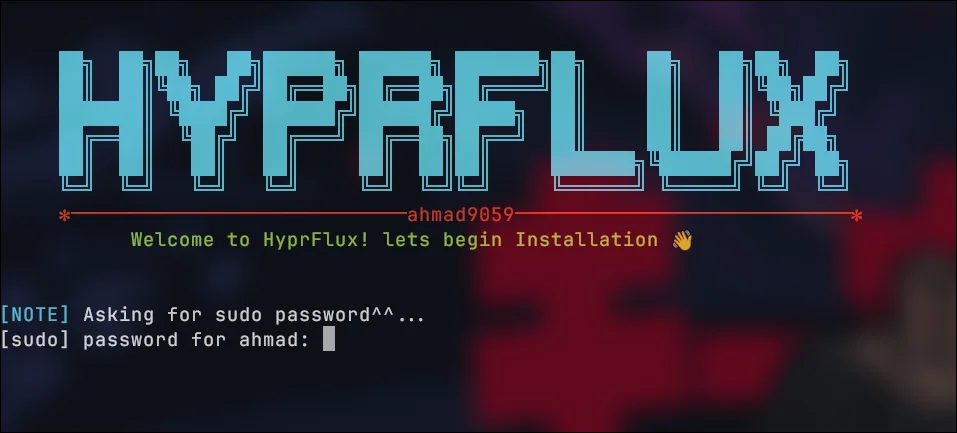
After entering your sudo password, wait for the installation to complete.
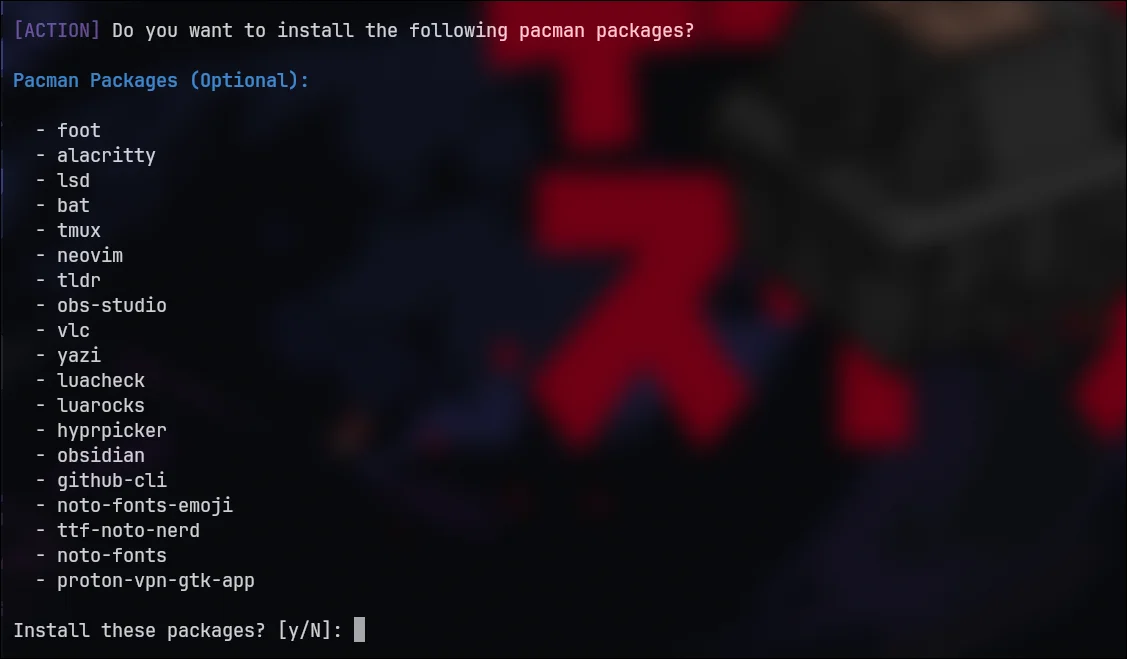
2. Pacman Packages Installation
These are optional packages. If you want to install them, answer accordingly with y or N.
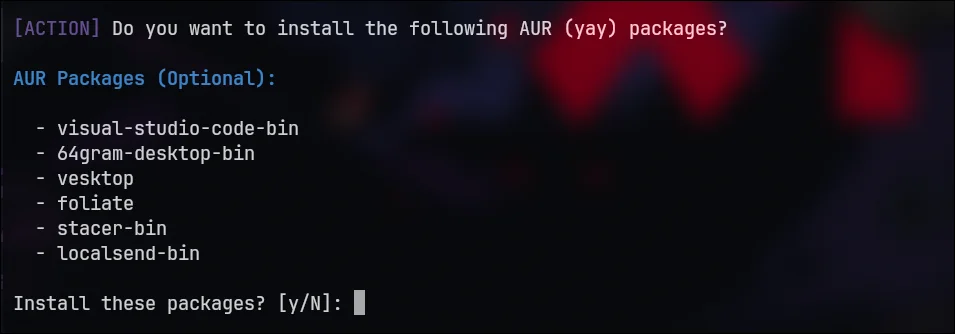
3. Yay Packages Installation
These are optional packages. If you want to install them, answer accordingly with y or N.
4. Congratulations, you have successfully installed HyprFlux! 🎉

INFO
Just Reboot The System, also during the process, it may ask for your sudo password 2–3 times. Stay nearby to enter it when needed. If you want to Install the base installation of archlinux first follow this artilce -> Archlinux Installation